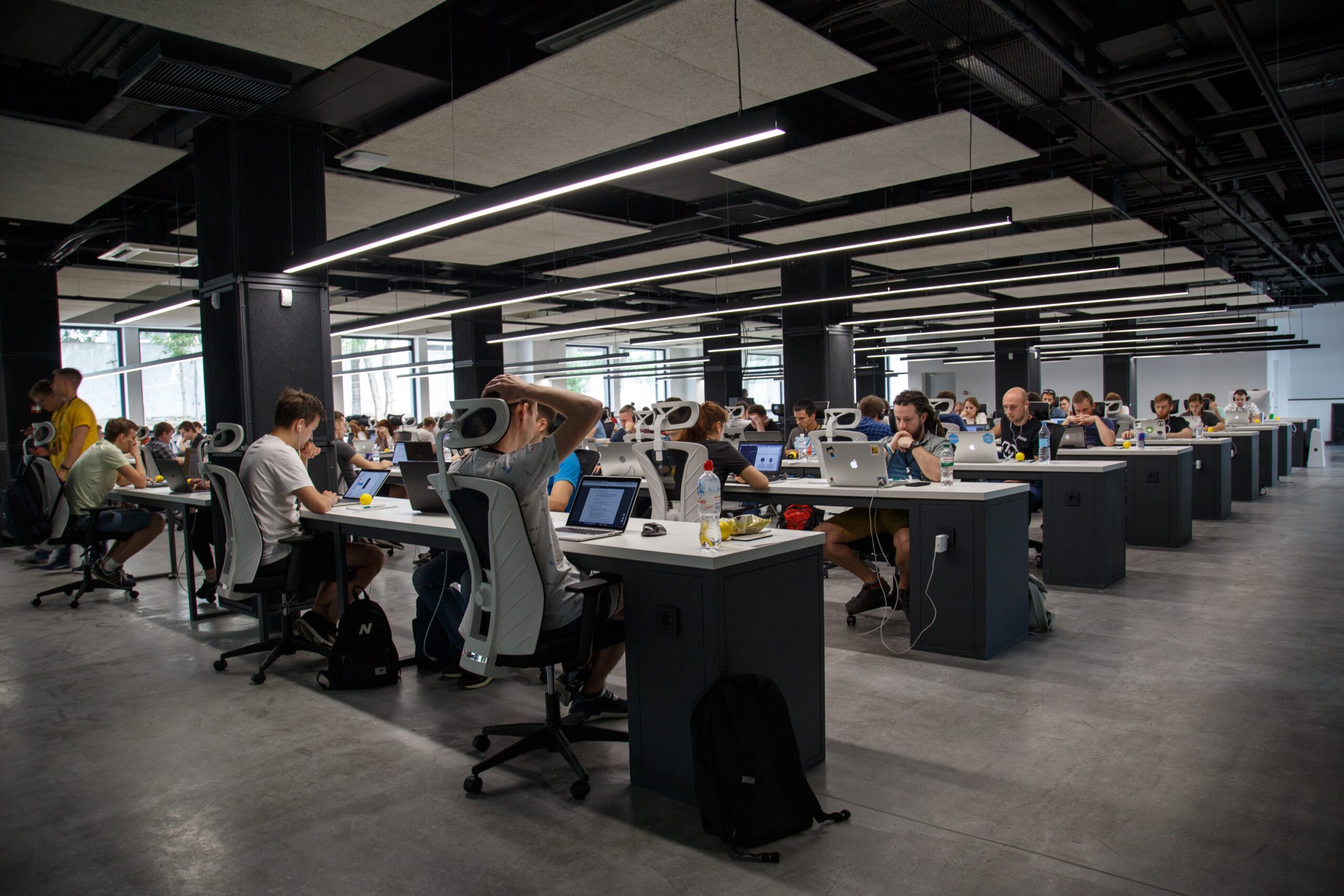






As hybrid work becomes the new standard, businesses are rethinking how office space is managed. Fixed seating arrangements are being replaced by flexible workstations, hot desks, and shared desks to improve space utilization and reduce operational costs. A Shared Desk App is the ideal solution for organizations looking to simplify desk reservations, optimize office occupancy, and enhance the employee experience.
Whether you manage a corporate office, coworking space, serviced office, or flexible workspace, a shared desk app provides employees and members with a convenient way to reserve desks, collaborate with colleagues, and access workplace services from anywhere.
What is a Shared Desk App?
A Shared Desk App is a cloud-based mobile and web application that allows employees, members, and visitors to reserve available desks in real time. It helps organizations manage desk allocation, monitor workspace utilization, automate bookings, and support hybrid work policies through a centralized platform.
In addition to desk booking, many shared desk apps include features such as meeting room reservations, visitor management, office maps, analytics, and workplace communication.
Why Businesses Need a Shared Desk App
Managing shared workspaces manually often results in booking conflicts, underutilized desks, and administrative challenges. A shared desk app eliminates these issues by providing real-time visibility into desk availability and automating the reservation process.
Businesses use shared desk apps to:
- Improve office space utilization
- Support hybrid and remote work
- Eliminate double bookings
- Enhance employee convenience
- Reduce administrative tasks
- Improve workplace collaboration
- Optimize office costs
- Increase operational efficiency
Key Features of a Shared Desk App
1. Real-Time Desk Booking
Employees can instantly view available desks and reserve a workspace based on their schedule.
Supported booking options include:
- Hot desks
- Dedicated desks
- Shared desks
- Team workstations
- Daily desk reservations
- Weekly or recurring bookings
Real-time availability ensures a smooth booking experience.
2. Interactive Office Floor Plans
Visual office maps help users locate and reserve desks with ease.
Features include:
- Live desk availability
- Interactive seating layouts
- Department-based seating
- Team zone selection
- Accessibility options
This makes it easier for employees to sit near colleagues and collaborate effectively.
3. Meeting Room Booking
Many shared desk apps also allow users to reserve meeting rooms directly from the platform.
Capabilities include:
- Room availability
- Calendar synchronization
- Equipment selection
- Booking confirmations
- Reminder notifications
This centralizes workspace reservations in one application.
4. Visitor Management
Visitor management features improve office security and reception efficiency.
Functions include:
- Visitor pre-registration
- QR code check-in
- Host notifications
- Digital visitor badges
- Visitor logs
- Security reporting
Visitors enjoy a faster and more professional check-in experience.
5. Mobile Access
Employees can manage workplace reservations from anywhere using a smartphone.
Mobile features include:
- Desk booking
- Booking modifications
- Push notifications
- Workplace announcements
- Office navigation
- Digital access credentials
This supports flexible work and on-the-go productivity.
6. Workplace Analytics
Business intelligence helps organizations optimize office usage.
Key insights include:
- Desk occupancy rates
- Peak usage times
- Space utilization
- Employee attendance
- Booking trends
- Department usage
These reports help businesses make informed workplace decisions.
7. Access Control Integration
A shared desk app can integrate with workplace access systems for secure entry.
Supported technologies include:
- Mobile credentials
- RFID cards
- Smart locks
- QR code access
- Biometric authentication
This provides a seamless and secure workplace experience.
8. Notifications and Workplace Communication
Built-in communication tools keep employees informed.
Features include:
- Booking reminders
- Office announcements
- Policy updates
- Event notifications
- Maintenance alerts
This improves employee engagement and communication.
Benefits of a Shared Desk App
Implementing a shared desk app offers numerous advantages:
- Improved workspace utilization
- Reduced office costs
- Enhanced employee experience
- Simplified desk reservations
- Support for hybrid work
- Centralized workplace management
- Real-time occupancy insights
- Better collaboration
- Reduced administrative workload
- Scalable office operations
These benefits help organizations maximize the value of their office space.
Essential Modules in a Shared Desk App
A comprehensive shared desk solution typically includes:
- Desk Booking
- Floor Plan Management
- Meeting Room Scheduling
- Visitor Management
- Employee Directory
- Workplace Announcements
- Access Control Integration
- Mobile Notifications
- Analytics Dashboard
- Reporting
- Multi-location Management
- User Permissions
- Calendar Integration
Together, these modules create a complete workplace management ecosystem.
How Automation Improves Desk Management
Automation reduces manual work while improving efficiency.
Common automated workflows include:
- Booking confirmations
- Desk availability updates
- Recurring reservations
- Booking reminders
- Visitor notifications
- Access permission synchronization
- Occupancy reporting
Automation ensures a consistent and reliable user experience.
Who Can Benefit from a Shared Desk App?
A shared desk app is ideal for:
- Corporate offices
- Hybrid workplaces
- Coworking spaces
- Serviced offices
- Business centers
- Government offices
- Educational institutions
- Healthcare organizations
- Consulting firms
- Technology companies
Organizations of all sizes can improve workplace efficiency with digital desk management.
Best Practices for Implementing a Shared Desk App
To achieve the best results:
- Create clear desk booking policies.
- Keep office floor plans updated.
- Encourage advance reservations.
- Integrate the app with workplace calendars.
- Monitor occupancy reports regularly.
- Provide mobile access for all users.
- Enable secure workplace access.
- Gather employee feedback.
- Review workspace utilization data.
- Continuously optimize office layouts.
These practices improve both operational efficiency and employee satisfaction.
Choosing the Best Shared Desk App
When selecting a platform, consider:
- Cloud-based deployment
- Mobile apps for Android and iOS
- Interactive floor plans
- Real-time desk availability
- Meeting room booking
- Visitor management
- Workplace analytics
- Multi-location support
- Calendar integration
- Access control compatibility
- Enterprise-grade security
- Reliable customer support
A scalable solution ensures long-term value as workplace needs evolve.
Future Trends in Shared Desk Apps
The workplace continues to evolve with advanced technologies.
Emerging trends include:
- Artificial Intelligence (AI) for smart desk recommendations.
- IoT-enabled occupancy monitoring for real-time space utilization.
- Touchless workplace access using smartphones.
- Predictive analytics for demand forecasting.
- Smart office automation to improve workplace efficiency.
- Integrated workplace management systems (IWMS) for enterprise environments.
- Personalized workplace experiences powered by data and automation.
These innovations will help organizations create smarter and more efficient offices.
Why Every Hybrid Workplace Needs a Shared Desk App
A Shared Desk App is essential for businesses adopting flexible work arrangements. It simplifies desk reservations, supports hybrid teams, improves space utilization, and enhances the employee experience. By combining booking, workplace analytics, visitor management, and office communication in one platform, organizations can reduce costs while creating a productive and collaborative work environment.
Frequently Asked Questions (FAQs)
What is a shared desk app?
A shared desk app is a mobile and web-based application that allows employees or members to reserve desks, manage workspace bookings, and access workplace services in flexible office environments.
Who should use a shared desk app?
It is ideal for hybrid workplaces, corporate offices, coworking spaces, serviced offices, business centers, and organizations using flexible seating arrangements.
What are the benefits of a shared desk app?
The app improves office space utilization, reduces booking conflicts, enhances employee convenience, supports hybrid work, and provides valuable workplace analytics.
Can a shared desk app manage multiple office locations?
Yes. Most cloud-based solutions support centralized management of multiple office locations, allowing administrators to monitor bookings and occupancy across all sites.
How does a shared desk app improve workplace efficiency?
It automates desk reservations, provides real-time availability, reduces administrative tasks, optimizes office space usage, and helps organizations make data-driven workplace decisions.
Conclusion
A Shared Desk App is a powerful tool for modern workplace management. By enabling real-time desk booking, interactive office maps, meeting room reservations, visitor management, and workplace analytics, it helps organizations optimize office resources and support flexible work. Whether you operate a corporate office or a coworking space, implementing a shared desk app is a smart investment that improves efficiency, enhances employee satisfaction, and prepares your workplace for the future.